

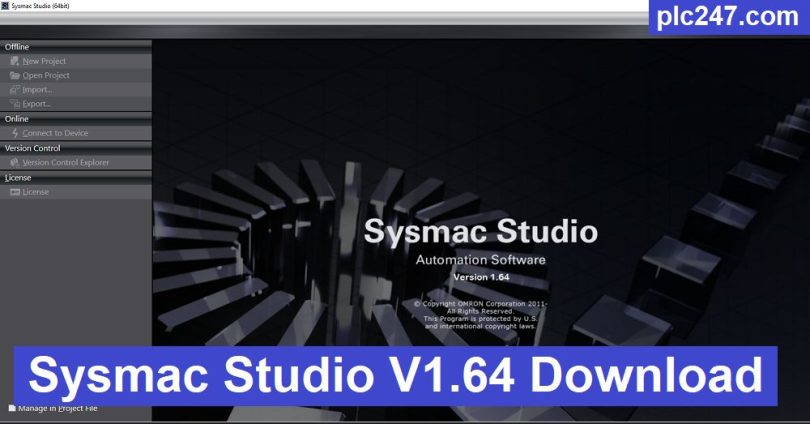

Omron Sysmac Studio is a powerful automation application for machines and production lines. It provides a trusted human-machine environment with open programming standards and provides a flexible communication that can satisfy all user needs. It provides a complete set of principles with strong integration along with better security features as well as providing programming, configuration and sequencing of machine operations, controls and other aspects.
The Omron controller with its high-speed and precision machining capabilities provides the ability to synchronize all equipment and maximize production line efficiency. SYSMAC STUDIO with a variety of standard ports, such as Ethernet, EtherCAT, RS232 and USB on the controller series compatible with NJ and NY existence.
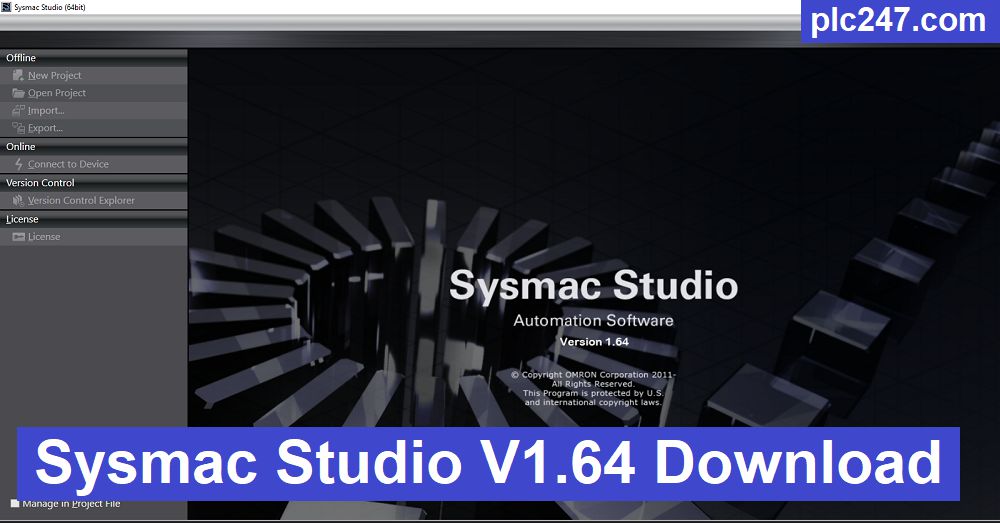
Omron Sysmac Studio is specially designed for CNC machines and provides fine control of movements and traces for various operations including drilling and cutting features. It provides a professional solution with IEC standard programming languages with Sysmac support platform to provide visibility, security and automation features. Furthermore, it increases productivity with improved synchronization and accuracy features. This powerful application comes with support for all standard ports including EtherCAT, Ethernet, RS232 and USB and many more.

“Sysmac Studio” Features
- A powerful environment for machine automation
- Complete solutions for processing and production lines
- Professional solution for machine-human communication
- Open programming standards and flexible communication features
- Adjust various options and provide a powerful integration environment
- Better configuration, security, programming, and chain of operations
- Provides more control over drilling, cutting and other operations
- Provides better security, visibility, and robotics features
- Uses G code and IEC standard programming languages
- Provides complete control of the production line
- Improve your development process with better control
- High-speed solution with the highest precision and efficiency
- Supports Ethernet, EtherCAT, USB and RS232 on various controllers
- Generate G code for CNC machines
- Easily manage production with better production line control
- Automated production line tasks and processes
- Connects to various sensors and provides complete machine automation features
Sysmac Studio “System Requirements”
+ Supported operating systems: Windows 10/11 , Windows 8.1 , Windows 7
+ Processor: Multi-core Intel series or higher, Xeon or AMD equivalent
+ RAM: 4GB (8GB or more recommended)
+ Free hard disk sp
Instructions for Installing Sysmac Studio
+ Step 1: Download and extract the software using the password “plc4me.com”
+ Step 2: First, install Symbian Studio V1.64 software.
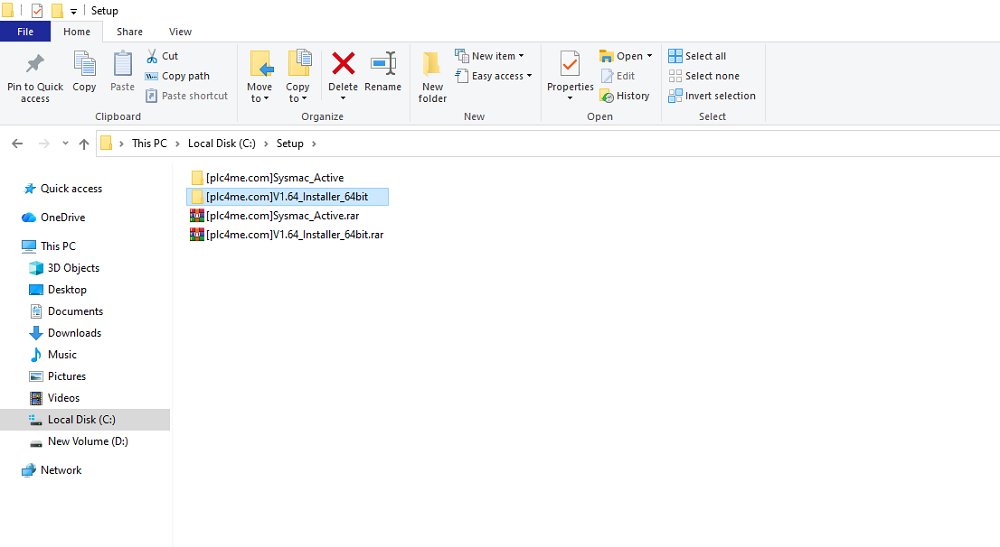
+ Step 3: Once the installation is complete, go to the “Sysmac Active” folder.
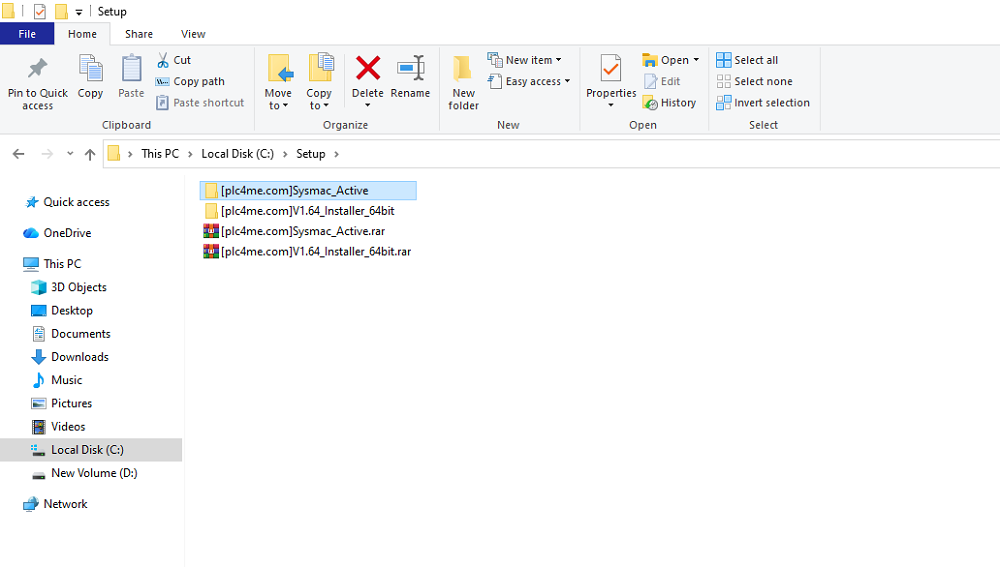
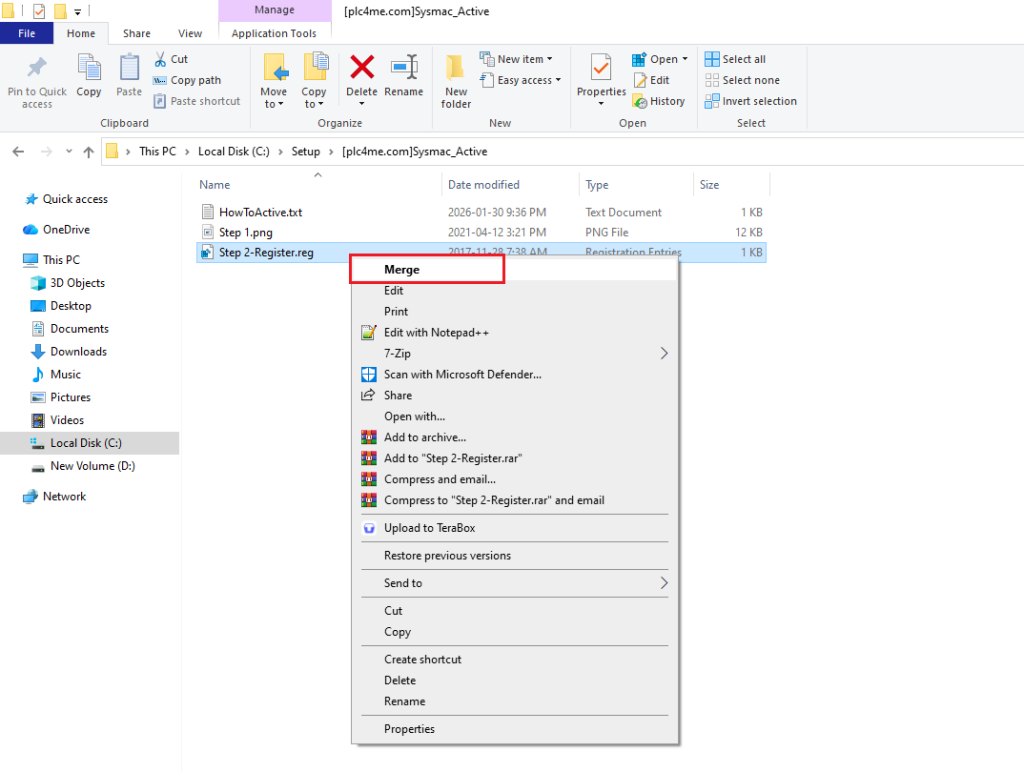
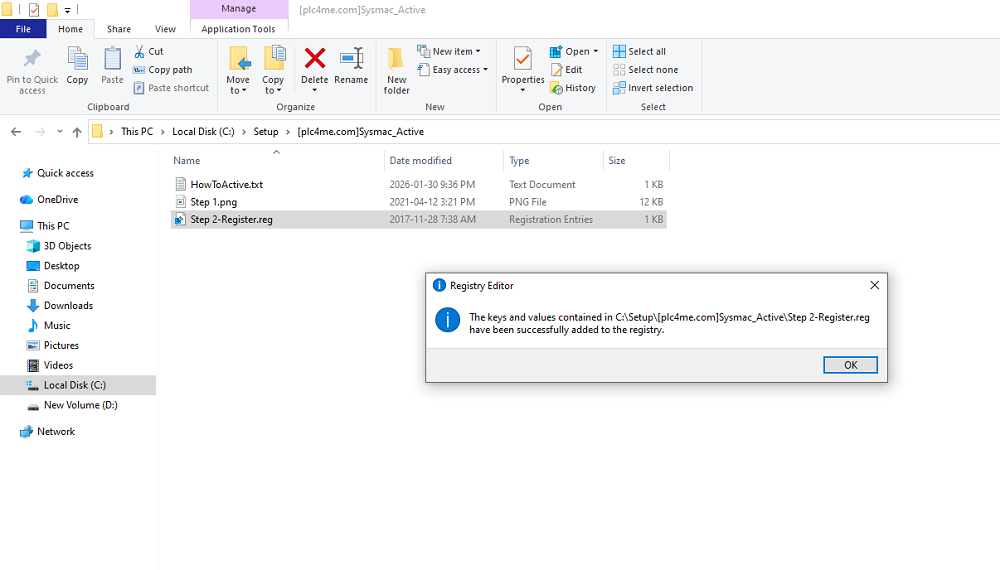
+ Step 4: By following the instructions in the image below, you can activate the software Free and Full Function
Software Download Link (GoogleDrive Link)
+ Download Sysmac Studio V1.64 Omron Software
+ Download Sysmac Studio Active Software
Password Extract: plc4me.com
Note: Please contact Omron for genuine software and the best support if you can.
Thanks for Reading!




Thanks!
ok thanks sir
I cant donwload it for too many download in the last time.
What i have to do to resolve?
Log in to Chrome and you can download it.
hello dou you dowland sysmac studıo ? UNTİL this we will pay maney to you about there hundred dolar
now i contact you sir